
How to use a Coupon Code
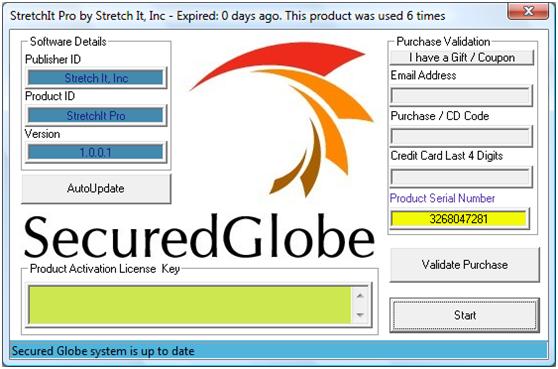
Stage 1 - Press "I have a Gift / Coupon"
Then you will have to enter your Purchase Code (which you receive after payment), or your coupon / gift code.
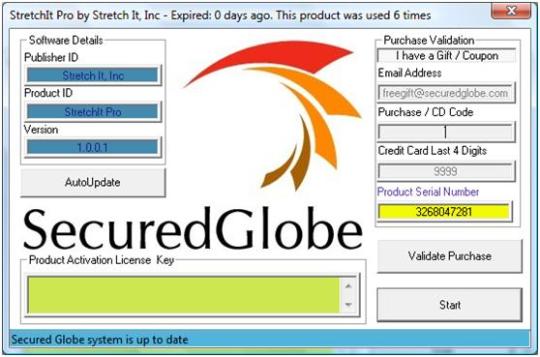
Enter your purchase or coupon/ gift code
Then, press Validate Purchase.
The software will look for the code at the SecuredGlobe Server. If found, it will issue a unique Activation Key. This key is unique to your PC, and can not be used from any other PC.
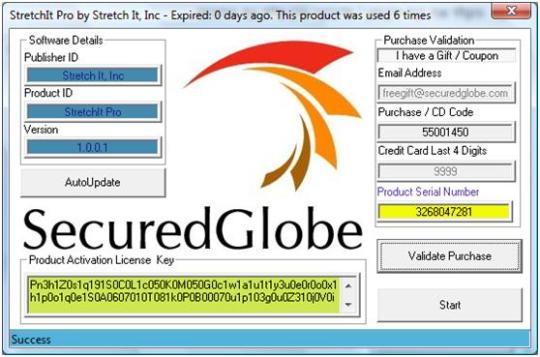
The Activation Key is unqiue to each PC
Then, press Start and you will see a Message Box showing the details of your license.
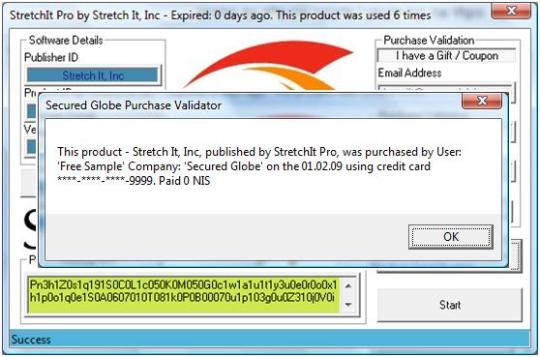
The details of your License
The protected software will now run smoothly, and you will not be asked to activate it again, until the expiration of your license.
Originally published on securedglobe.wordpress.com.